
Keeping client documents private: a phone routine for real-estate agents
Published October 1, 2026
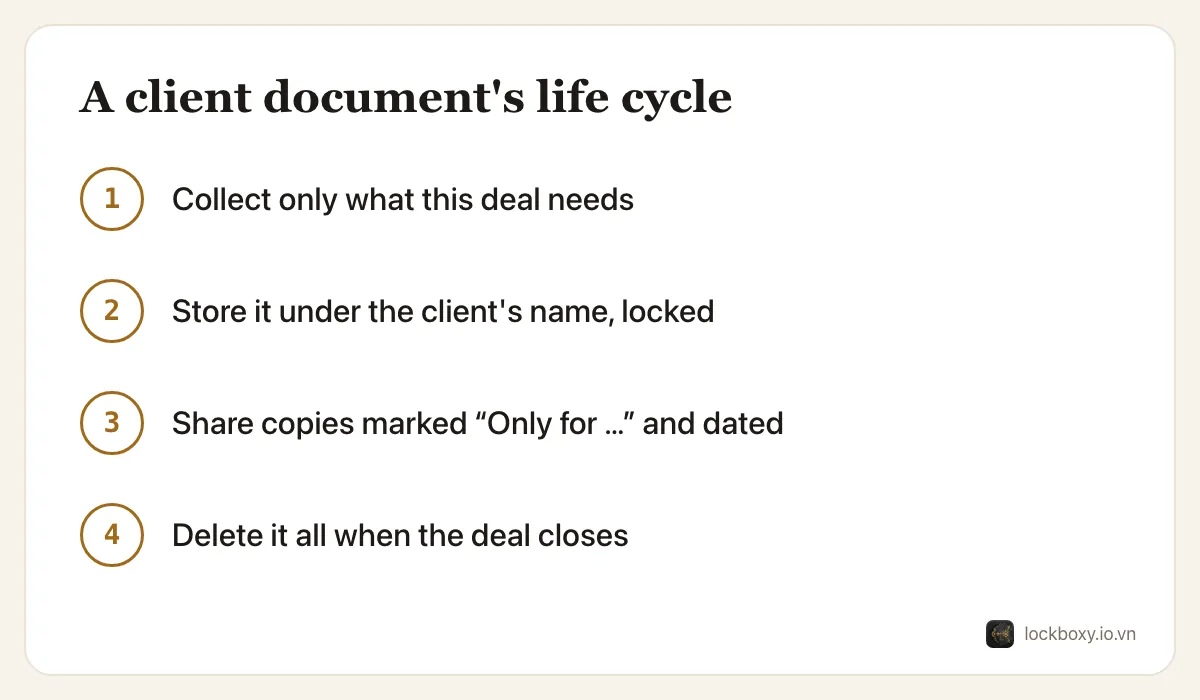
Real-estate agents in Vietnam routinely carry clients' land-use certificates (sổ đỏ, sổ hồng), ID cards and deposit contracts on their phones — usually as photos in the camera roll and in chat apps. To keep them safe: collect only what a deal needs, store it in one locked place under the client's name, send copies marked with their purpose, and delete everything once the deal is closed.
The steps below work with the iPhone alone; the last section explains where Lockboxy helps.
Why are an agent's documents such a target?
A photo of a property certificate together with the owner's ID card is exactly what a fraudster needs to pose as the owner, take a deposit from a buyer, or pressure an owner with a fake “problem” with their papers. An agent's phone holds dozens of these at once.
Most leaks are not sophisticated. They happen when a phone is lent or lost, when a photo is forwarded to the wrong group chat, or when an old chat full of documents syncs to a new phone or a shared computer.
Which documents do I actually need to keep?
Before saving anything, ask what this step of the deal needs:
- To advertise a listing, you rarely need the owner's ID at all; a photo of the certificate with personal details covered is often enough to check the property information.
- For a deposit contract, keep the signed contract — not every page photographed several times from different chats.
- Copies of buyers' ID cards are for the parties and the notary, not for your general photo library.
Every document you do not collect is one you never have to protect or delete.
How should I store documents by client?
- 1Scan paper documents rather than photographing them. In Files, tap the More button and choose Scan Documents; the result is one clean PDF per document.
- 2Name each file with the client and property, such as “Nguyen – District 7 apartment – deposit contract”, so you never need to scroll through other clients' papers to find it.
- 3Keep them somewhere that needs more than the phone being unlocked: a locked note with a custom password, the Hidden album, or a separate vault.
- 4Remove the stray copies: the originals in Photos, Recently Deleted, and the media folder of the chat where the client sent them.
For more on IDs specifically, see how to store ID photos safely on your phone.
How do I share a copy without it being reused?
Whenever you send a document to a buyer, a bank or a notary, mark the copy with what it is for:
- 1Open the photo, tap Edit, then the Markup tool, and add a text box such as “Only for the deposit contract at … – 01/10/2026”.
- 2Place the text across the document but not over the numbers the recipient needs to read.
- 3Export or share the marked copy, and keep the clean original in your locked storage.
A copy that says what it is for, and when, is much harder to reuse for something else.
What is the safest way to send documents?
- Send to the specific person, not to a group chat, and double-check the recipient before sending.
- Prefer a link or channel you can revoke, or delete the message for everyone after the recipient has saved it, where your chat app allows it.
- Never send a client's documents to someone who contacted you first claiming to be from a bank, the land registry or the police; contact the organization through its official channel instead.
What should I delete when a deal closes?
- 1Delete the client's ID photos and certificate photos from Photos, then empty Recently Deleted — see how to permanently delete photos on iPhone.
- 2Clear the media from the client's chat threads.
- 3Keep only what your agency's records actually require, in the agency's own system.
A vault on your phone helps you protect personal data, but it does not replace your agency's own obligations under Vietnam's personal data protection rules (such as Decree 13/2023/NĐ-CP). Follow your agency's policy on what to keep and for how long.
Where Lockboxy helps
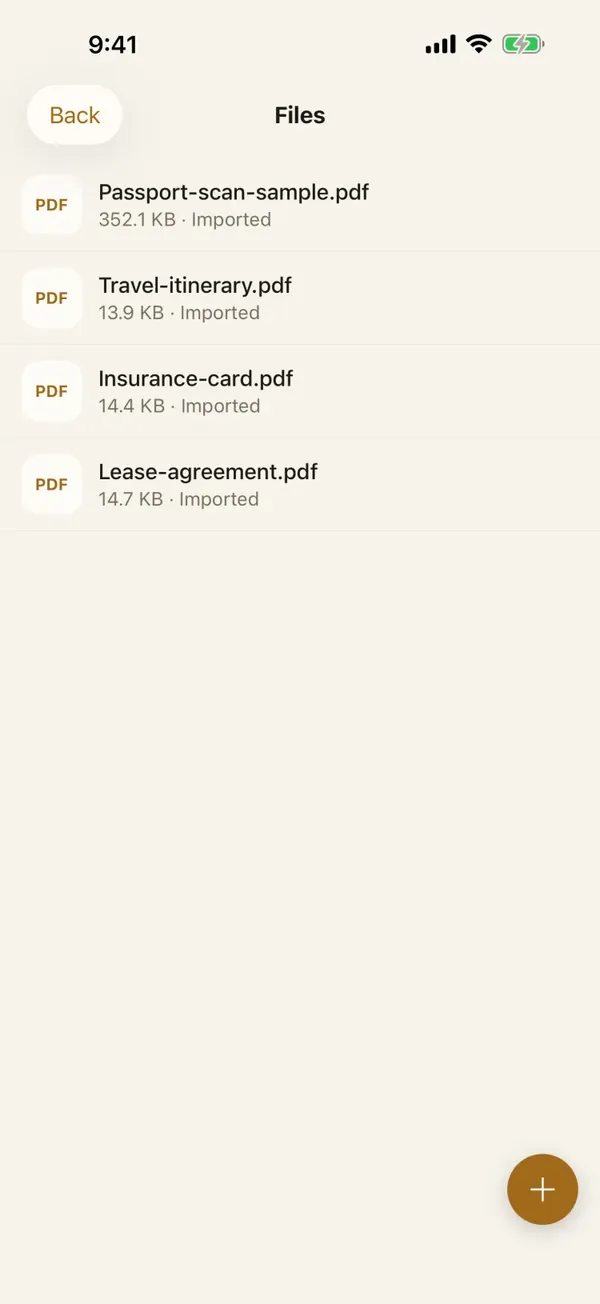
Lockboxy keeps client documents behind a passcode separate from your iPhone's, encrypted with AES-256 on the device, with no account and no server holding a copy.
- Scan contracts and certificates with the camera: Lockboxy finds the page edges, straightens each page and saves it into Files as one PDF or as images. The suggested title is read from the page on the device only.
- Bring documents in from Photos or a chat app through the Share Sheet, then remove the originals; iOS confirms before deleting.
- When you share or save a copy of a photo from the vault, location and camera details are removed from the copy for free. With Premium you can add a watermark that reads “Only for <purpose> – <date>”.
The free plan holds 30 photos/videos and 10 files; an agent with many active clients will likely need Premium. If you forget the passcode and have no Recovery Key, nobody can open the vault, so keep official copies in your agency's system as well. See the FAQ and how to scan documents on iPhone.
Want a private place with its own passcode?
Lockboxy encrypts photos, videos, files and notes on your device, behind a passcode separate from your phone's. No account, no server.
Get Lockboxy on the App StoreMore guides
- How to store photos of your ID safely on your phone
- How to scan documents on iPhone (no app needed) and store them safely
- Phone privacy for livestream sellers: keep customer data off the stream
- How to hide photos on iPhone (and what “hidden” really protects)
- How to lock apps on iPhone: Face ID lock, hidden apps and older-iOS workarounds
- How to permanently delete photos on iPhone (and every copy you forgot)
- How to lock notes on iPhone with a password or Face ID
- How to store passwords safely on your phone
- How to lend your iPhone without exposing your photos
- How to store a seed phrase safely (and what not to do)
- What to do before sending your iPhone for repair
- How to take photos that don't save to your iPhone camera roll
- How to store 2FA backup codes safely (and where not to)
- How to handle sensitive screenshots on iPhone (bank transfers, OTPs, IDs)
- How to keep voice recordings private on iPhone
- How to stop iPhone photos syncing to your iPad and Mac
- What to do when your iPhone is lost or stolen
- How to erase your iPhone before selling it
- Lockboxy vs the iPhone Hidden album: which should you use?
- Lockboxy vs locked notes on iPhone: which is better for private notes?
Questions about how Lockboxy works? Read the FAQ